Digital scrapbooking is having a moment, and most photo apps are the wrong tool for it. They want clean grids and filters. A scrapbook page wants the opposite: paper that looks like paper, a strip of washi tape holding down a corner, a photo in a slightly crooked frame, a line of handwriting. Here's the app that's built for that look on an iPhone, and how to put a page together.
What a scrapbook app actually needs
A real digital scrapbook or junk journal page comes down to a few ingredients:
- Paper. A textured background, not a flat color. Kraft, linen, grid, or a soft scrapbook texture.
- Bits and pieces. Washi tape, frames, stickers, little decorations to layer around the photos.
- Handwriting. Fonts that read like a real pen, for a date or a note.
- Freeform placement. You arrange everything by hand and let it sit a little off-grid.
Plenty of apps do one of these. The one below does all of them in the same place.
Jodu: built for the handmade look
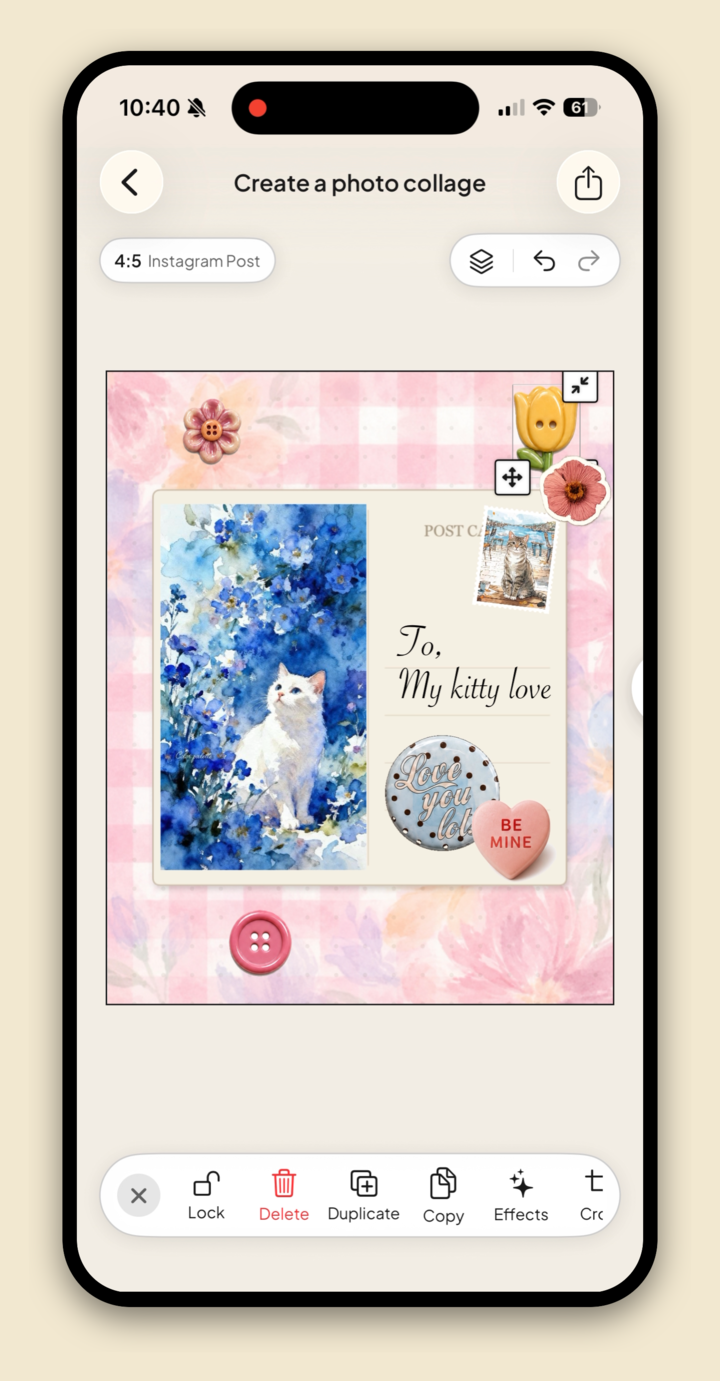
Jodu is a free-to-download iPhone app whose whole aesthetic is cut-and-paste, so a scrapbook page is right in its wheelhouse.
- Paper textures and patterns in the background picker, so the page starts as paper.
- 887 stickers, including washi tape, hearts, letters, and decorations, plus 13 fillable frames like Polaroid and postcard to drop photos into.
- 40+ fonts, from clean sans-serifs to a handwritten script for captions and dates.
- One-tap cutouts to lift a subject out of a photo and paste it down like a sticker.
- A freeform canvas with layers, so nothing snaps to a grid and you place everything yourself.
- Pages that save to your device, ready to add to later, and you can pull photos from your camera roll or from Pinterest.
How to build a scrapbook page
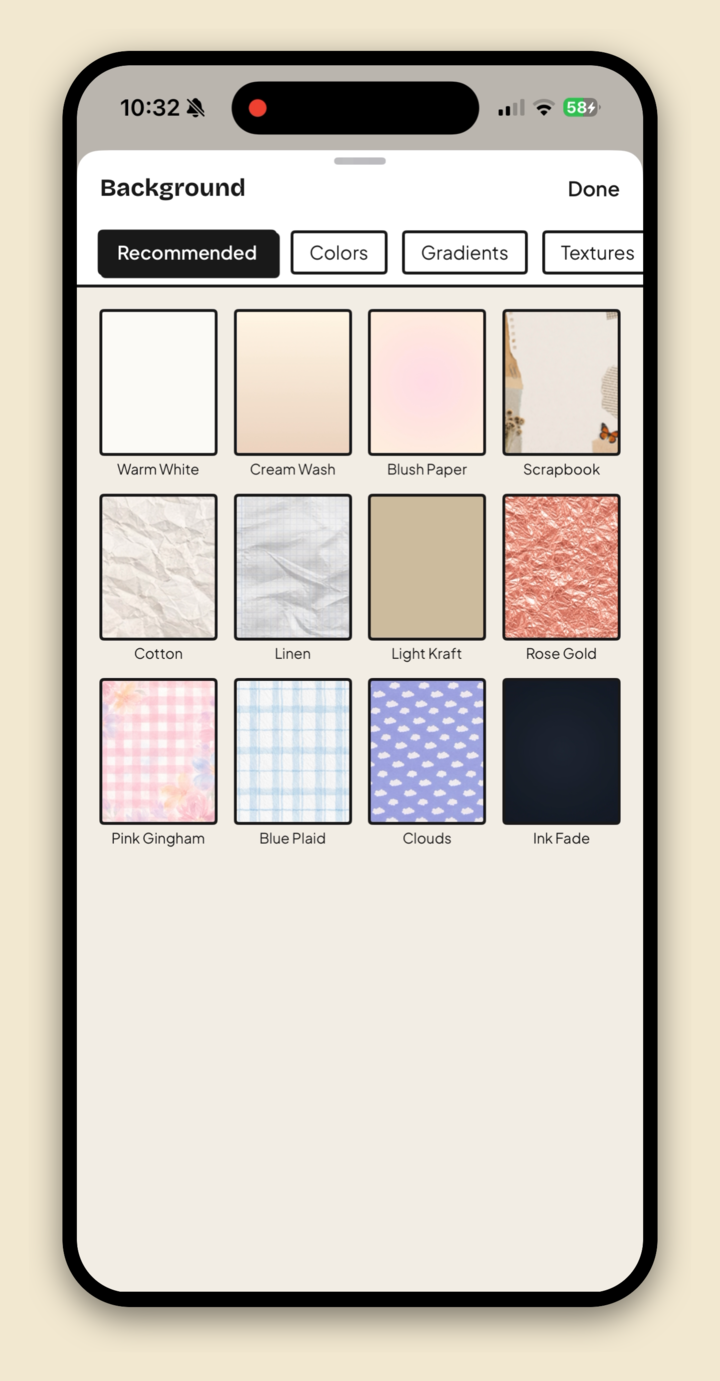
Start with paper. Open a new collage and tap BG, then pick a texture like Kraft or Linen so the page starts as paper.
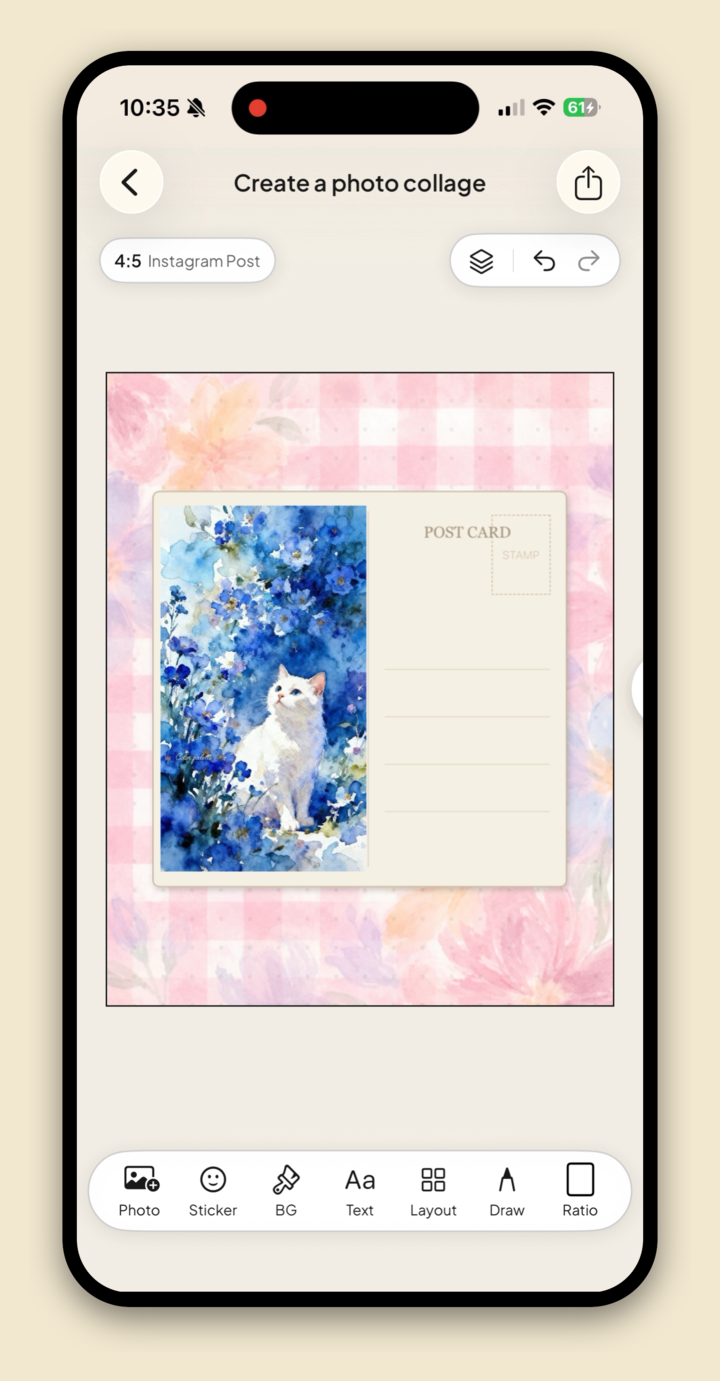
Frame a photo. Tap Sticker, open Frames, drop in a Polaroid or postcard, and add your photo.
Tape it down. Add a strip of washi tape across a corner so the photo looks held in place.
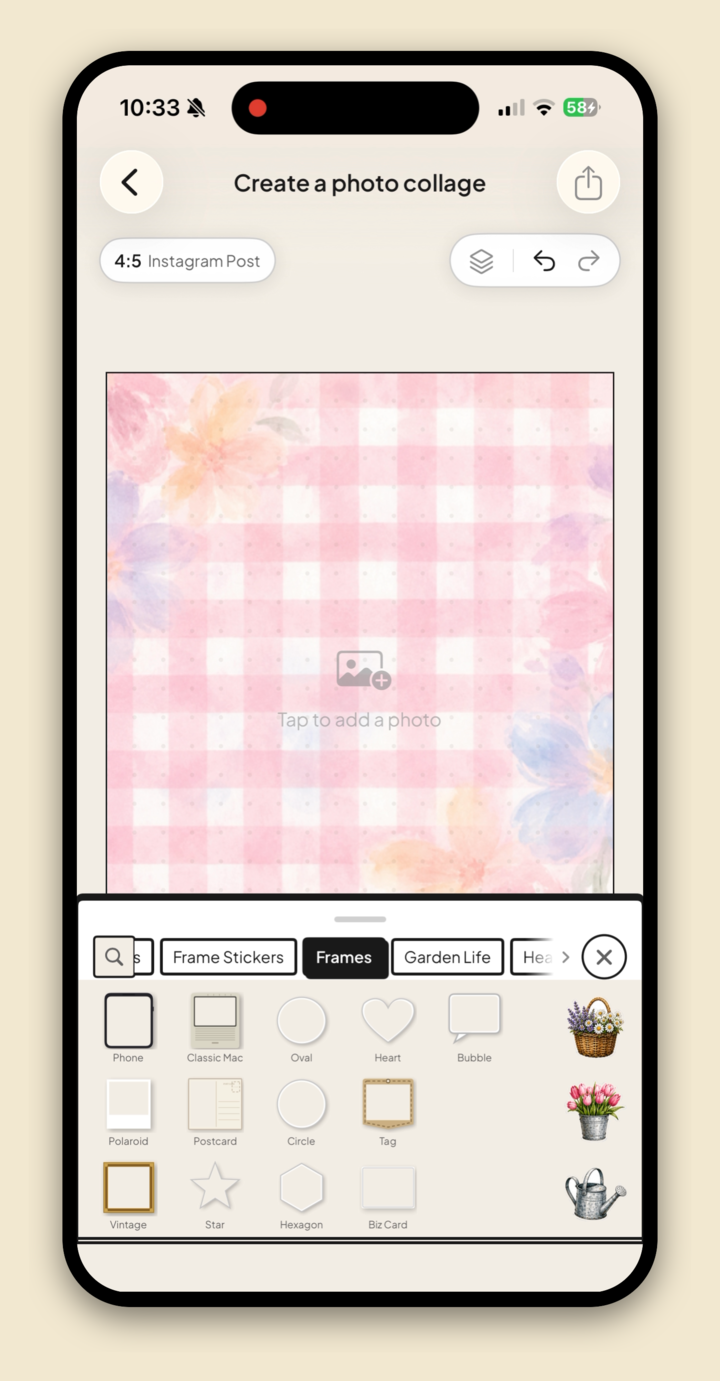
Write on it. Tap Text and add a date or a short note in a handwritten font.
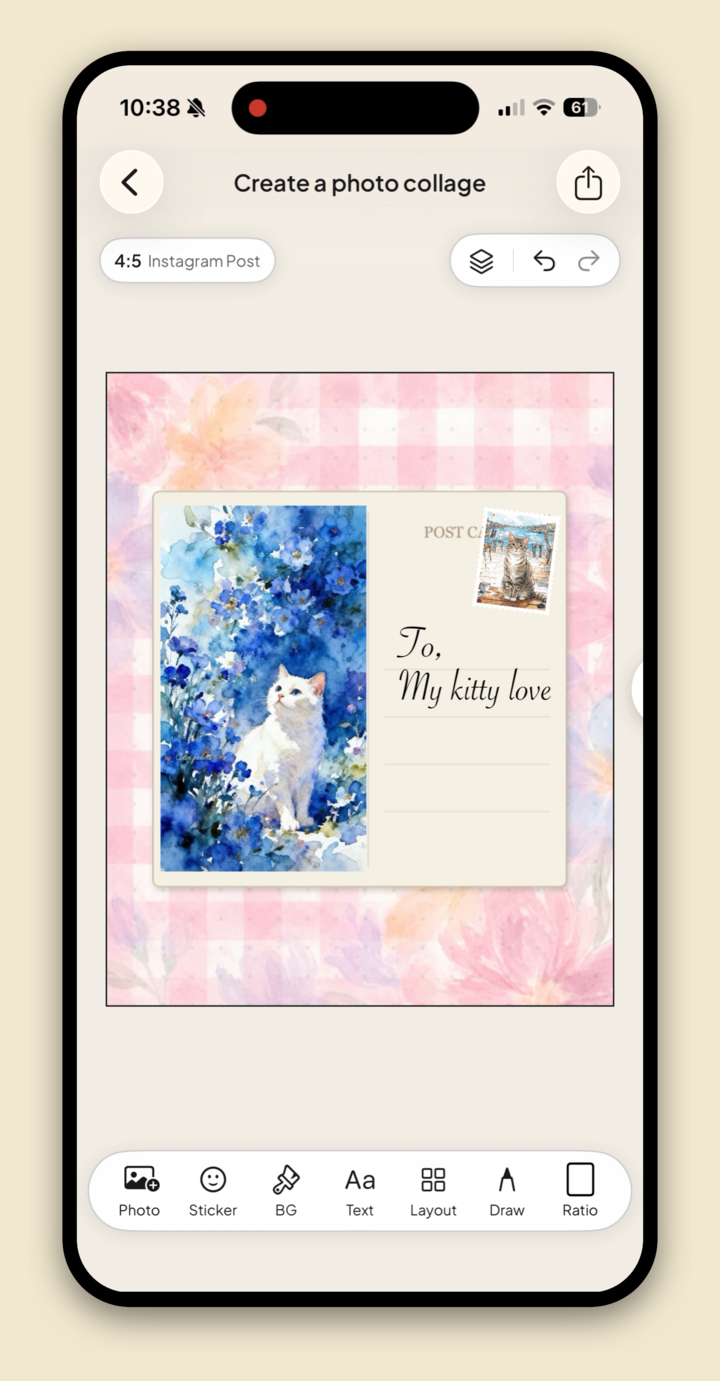
Decorate. Scatter a few small stickers, overlap edges, and let the page sit slightly off-center.
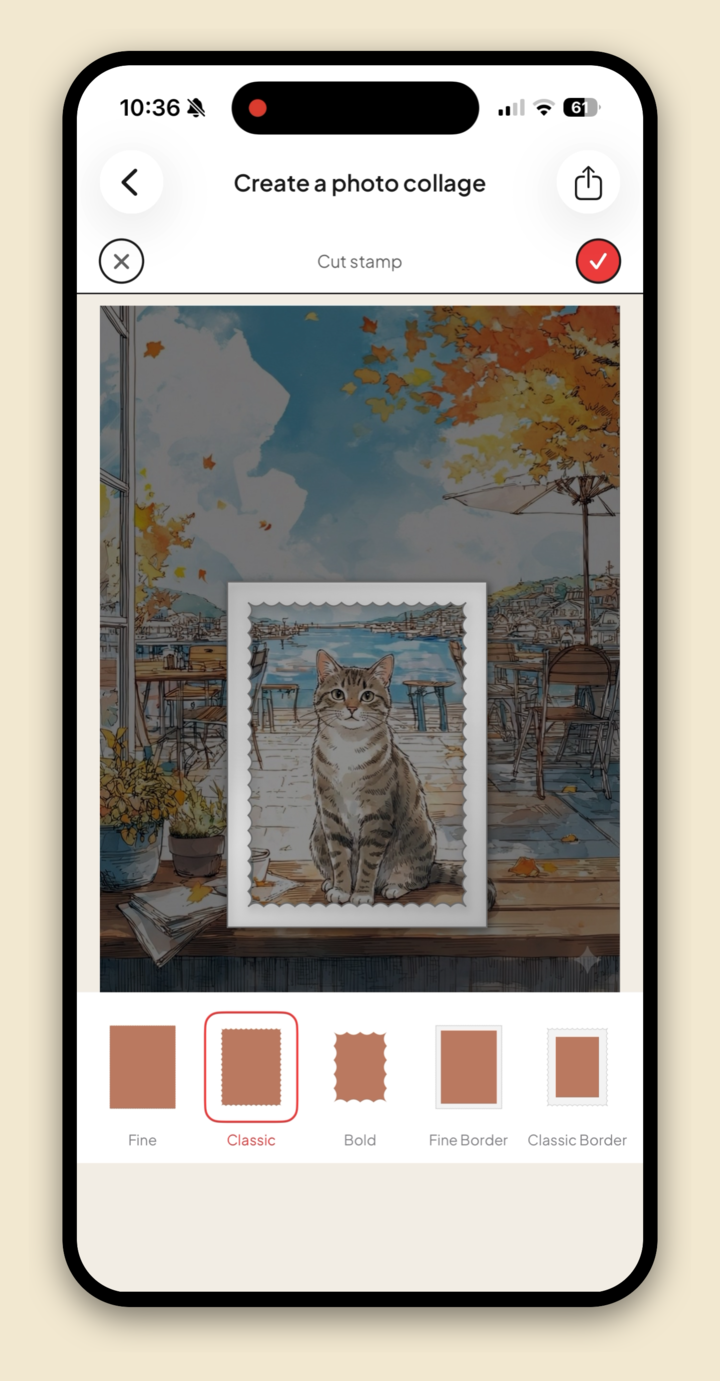
Save the page. Export it at full resolution, or keep building the next page in the same project.
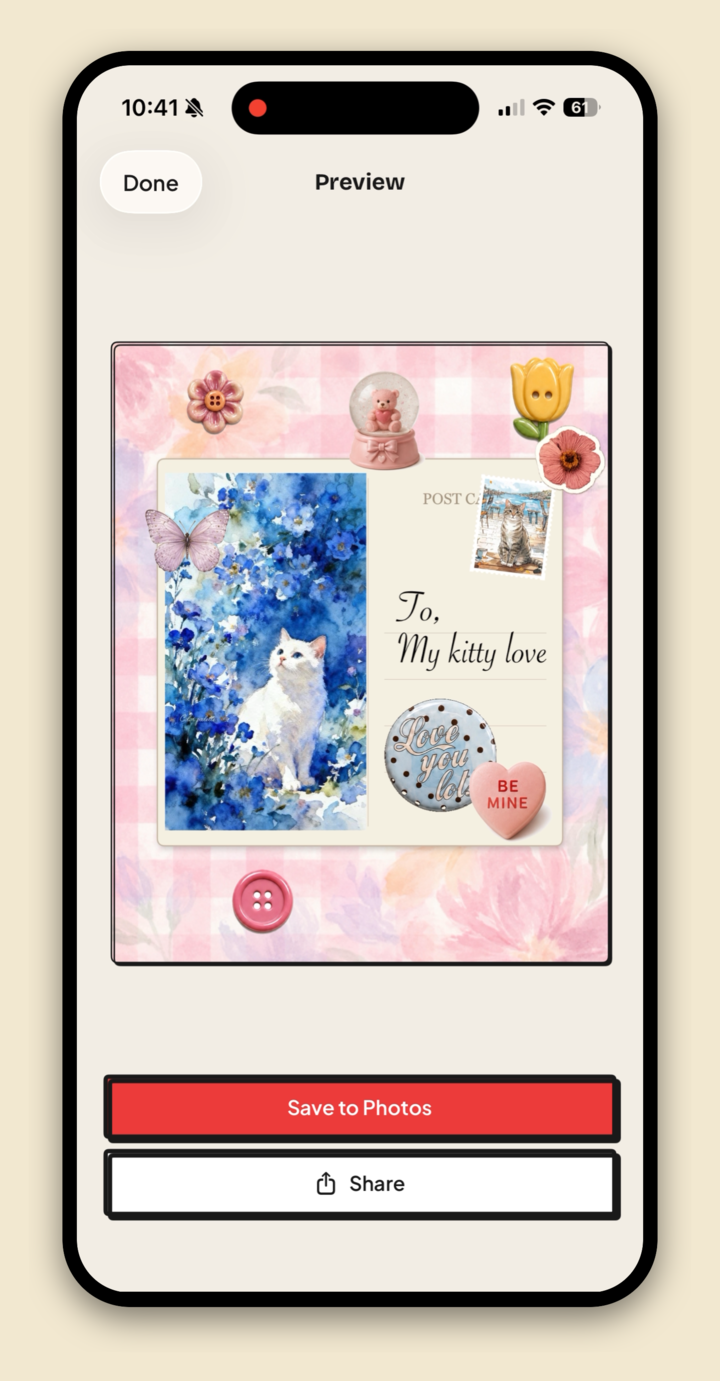
For the longer version with backgrounds and effects, see how to make a collage on iPhone.
Where this fits
A scrapbook page, a moodboard, and a vision board are cousins, all handmade, all layered. If you came here from the moodboard side, this post is part of our guide to the best aesthetic collage apps, and if you loved the old Landing app, the same tools apply.
FAQ
What is the best digital scrapbook app for iPhone?
Jodu. It has the pieces a scrapbook page needs in one app: paper textures, washi tape, frames, handwriting fonts, one-tap cutouts, and a freeform canvas, and it's free to download.
Is there a free digital scrapbooking app?
Yes. Jodu is free to download on iPhone, and you can build a page from your camera roll with no account required.
Can I make a junk journal page on my phone?
Yes. Junk journal pages use the same ingredients as scrapbook pages, textured paper, tape, frames, and handwriting, all of which are built into Jodu.
Can I add my own photos to a scrapbook page?
Yes. Add photos from your camera roll or import pins from Pinterest, then frame them, cut them out, or paste them straight onto the page.