A vision board works best when you actually see it, which means it should live on your phone, not in a drawer. The good news is your iPhone can make one in a few minutes, with your own photos and the images you've been saving. Here's the app to use and how to put a board together you'll want to set as your wallpaper.
What makes a good vision board app
A vision board is part moodboard, part goal list, so the app needs to do both:
- Pull images from anywhere. Your camera roll, screenshots, and the pins you've been collecting.
- Cut things out. A clean cutout of a single object reads stronger than a full photo with a busy background.
- Add words. Goals, affirmations, a year, a single word. Text is half of a vision board.
- Arrange freely. No grid. You place each piece where it feels right.
Jodu: a free vision board maker
Jodu is a free-to-download iPhone app built for exactly this kind of freeform, image-led board.
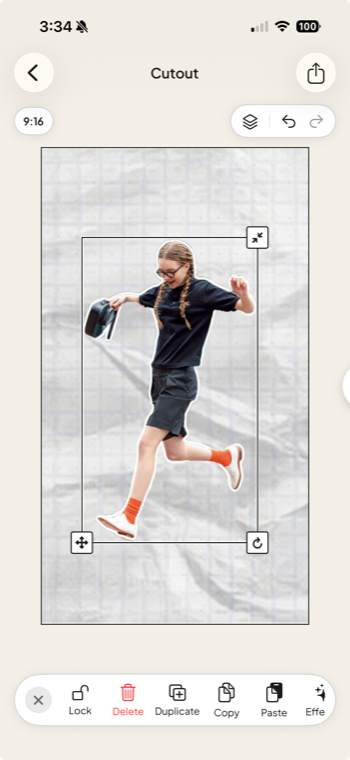
- One-tap cutouts lift a subject off its background on your device, so an object can sit clean on the page.
- Your images and Pinterest together. Add photos from your camera roll or import pins from your Pinterest boards, with no account to set up.
- 40+ fonts for goals and affirmations, from clean type to handwriting.
- Backgrounds, frames, and stickers to style the board, on a freeform canvas with layers.
- Save it and use it. Export at full resolution and set it as your phone wallpaper so the board is in front of you every day.
How to make a vision board on iPhone
Pick your shape. Start a new collage and set it to 9:16 if you want a phone wallpaper, or 1:1 for a square board.
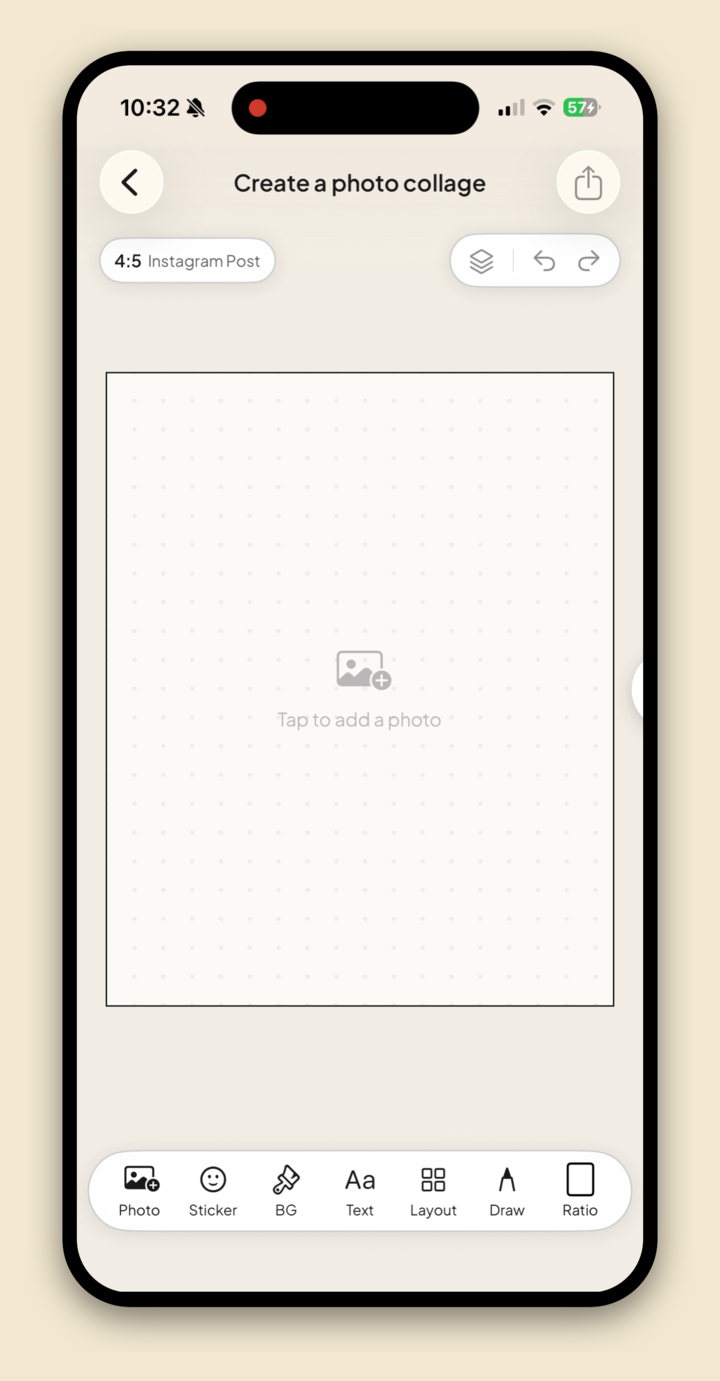
Set a background. Tap BG for a clean color or a paper texture to anchor the page.
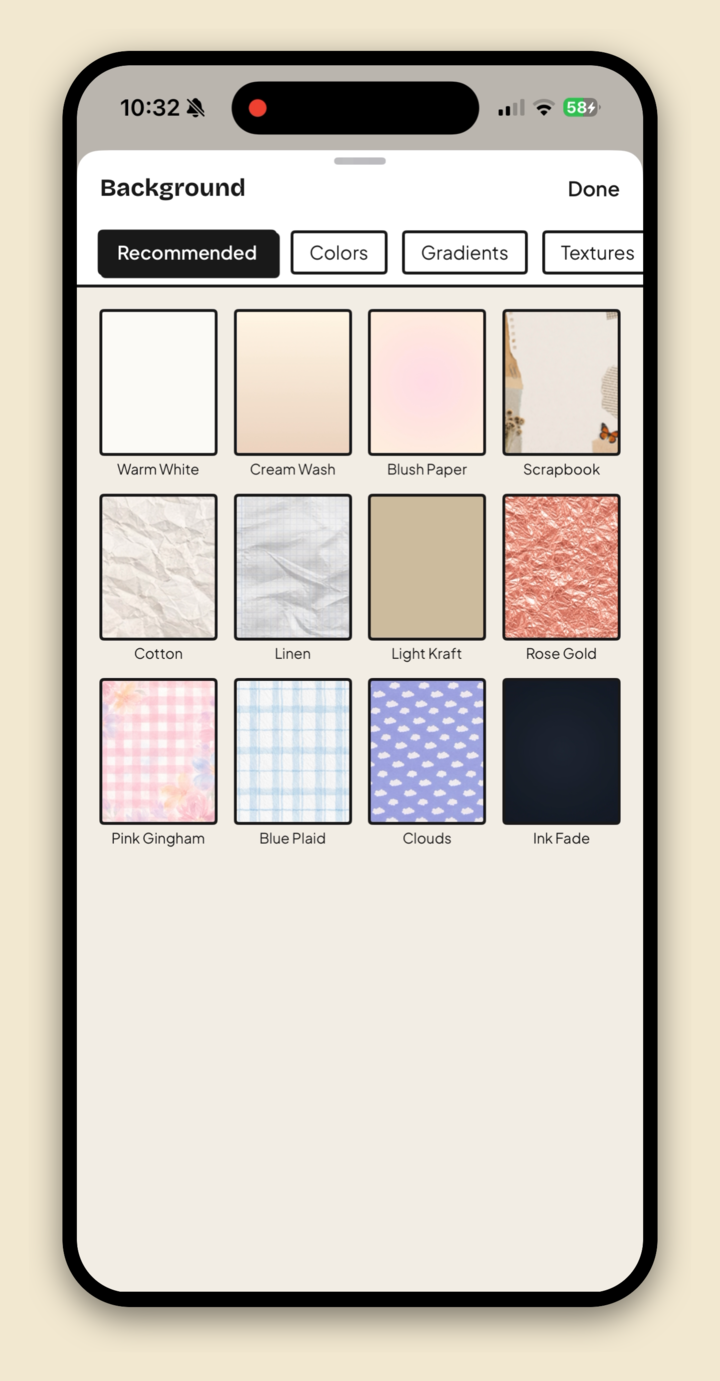
Bring in your images. Add photos from your camera roll, or import the pins you've saved from Pinterest.
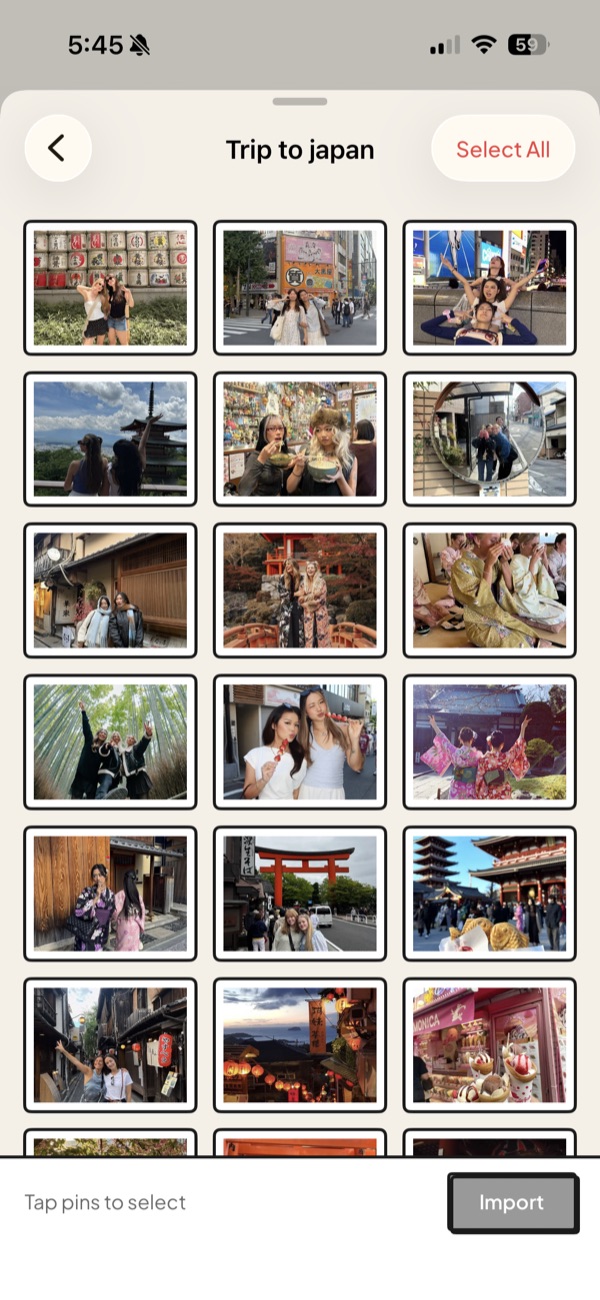
Cut out the key pieces. Tap a photo, choose Remove BG, and let a clean object float on the board.
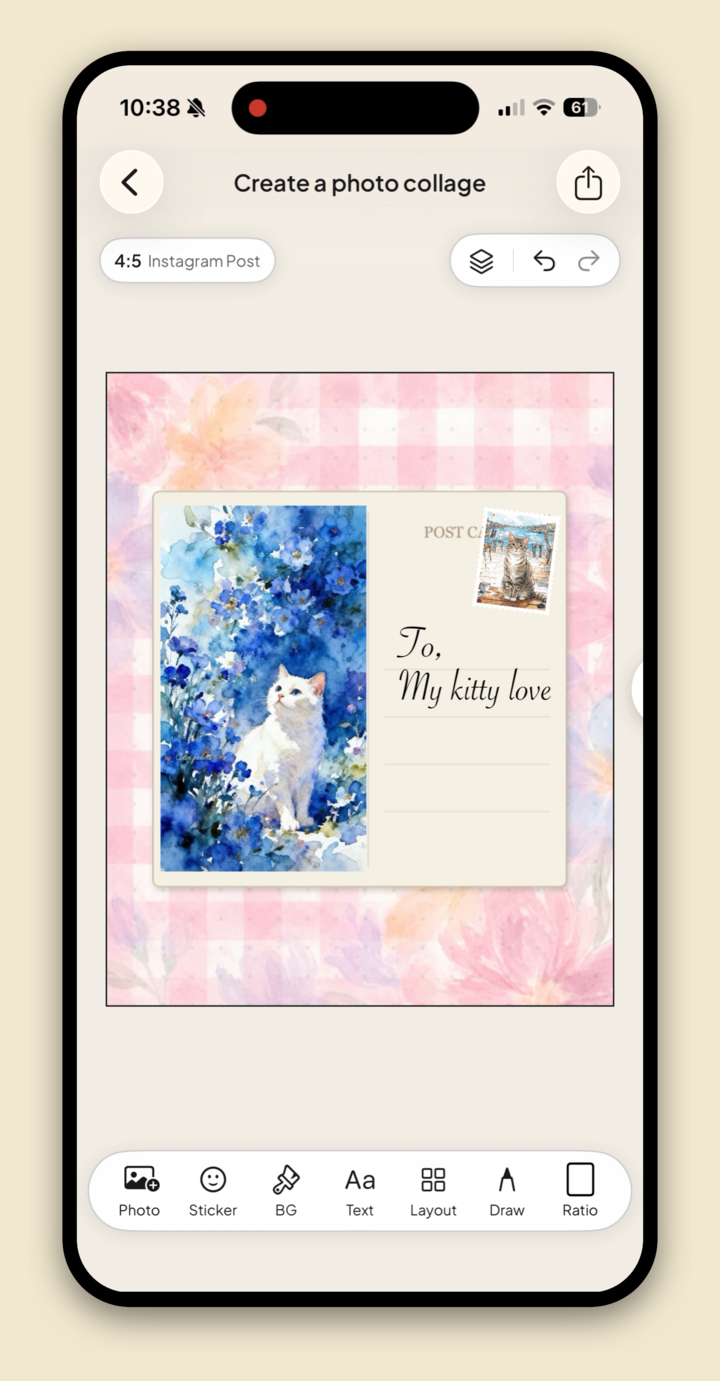
Add your words. Tap Text for goals, affirmations, or a single word for the year.
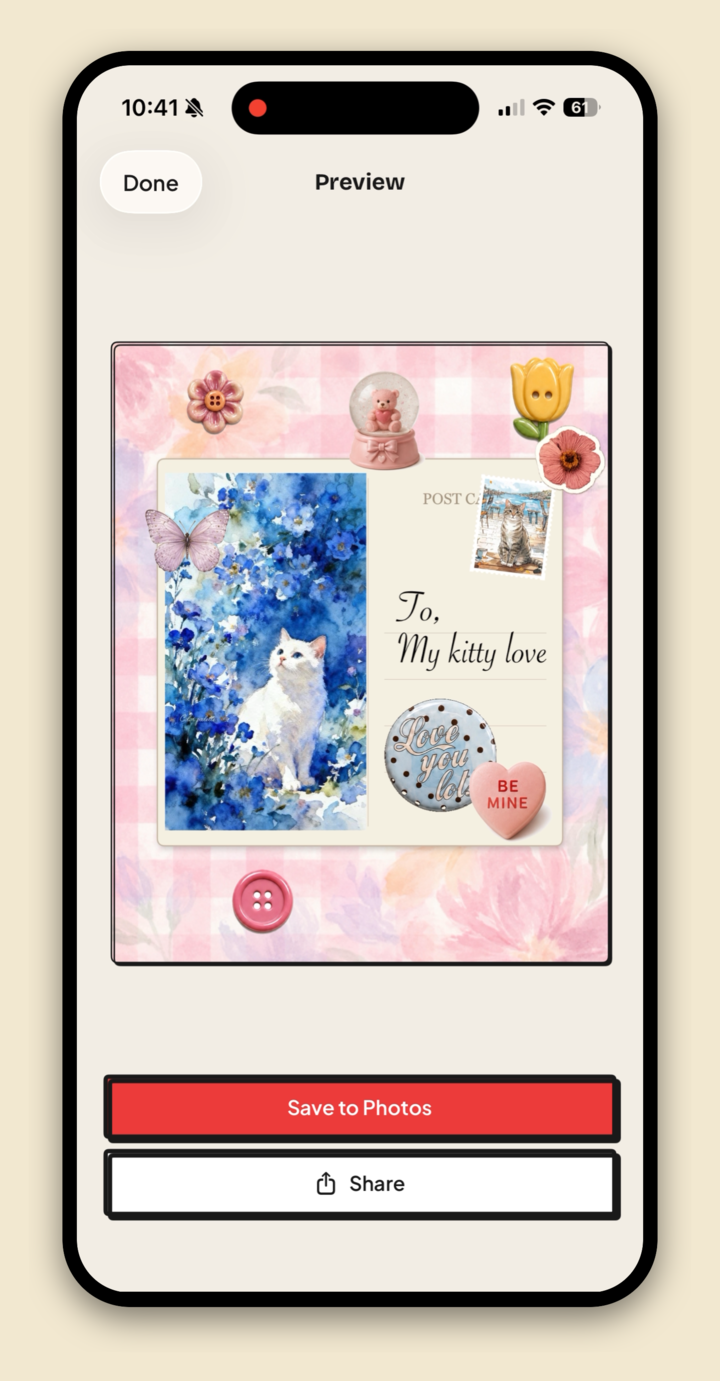
Arrange and save. Move things around until it feels right, export at full resolution, then set it as your wallpaper.
For the full collage walkthrough, see how to make a collage on iPhone.
Where this fits
A vision board, a moodboard, and a scrapbook page are all the same handmade idea pointed at different goals. This post is part of our guide to the best aesthetic collage apps for iPhone.
FAQ
What is the best free vision board app for iPhone?
Jodu. It's free to download, does one-tap cutouts, pulls images from your camera roll or Pinterest, and has the text and styling tools a vision board needs, all on a freeform canvas.
How do I make a vision board on my phone?
Start a collage, set a background, bring in photos from your camera roll or Pinterest, cut out the key pieces, add your goals in text, then arrange and save. In Jodu the whole thing takes a few minutes.
Can I use a vision board as my wallpaper?
Yes. Make the board at 9:16, export it at full resolution, and set it as your iPhone wallpaper so it's in front of you every day.
Do I need an account to make a vision board?
Not with Jodu. You can build a board from your camera roll with no account, and connecting Pinterest is optional.